Features · Drive
Back up every card. Retire the hard drives.
Offload a memory card straight to HeyShutter and format it knowing every file was checked. No more drives to buy, fill up, label, lose or have fail.
Any plan, including the free one. $20 per TB a month or $200 a year, with a 14-day free trial and room for 50 GB, no card needed.
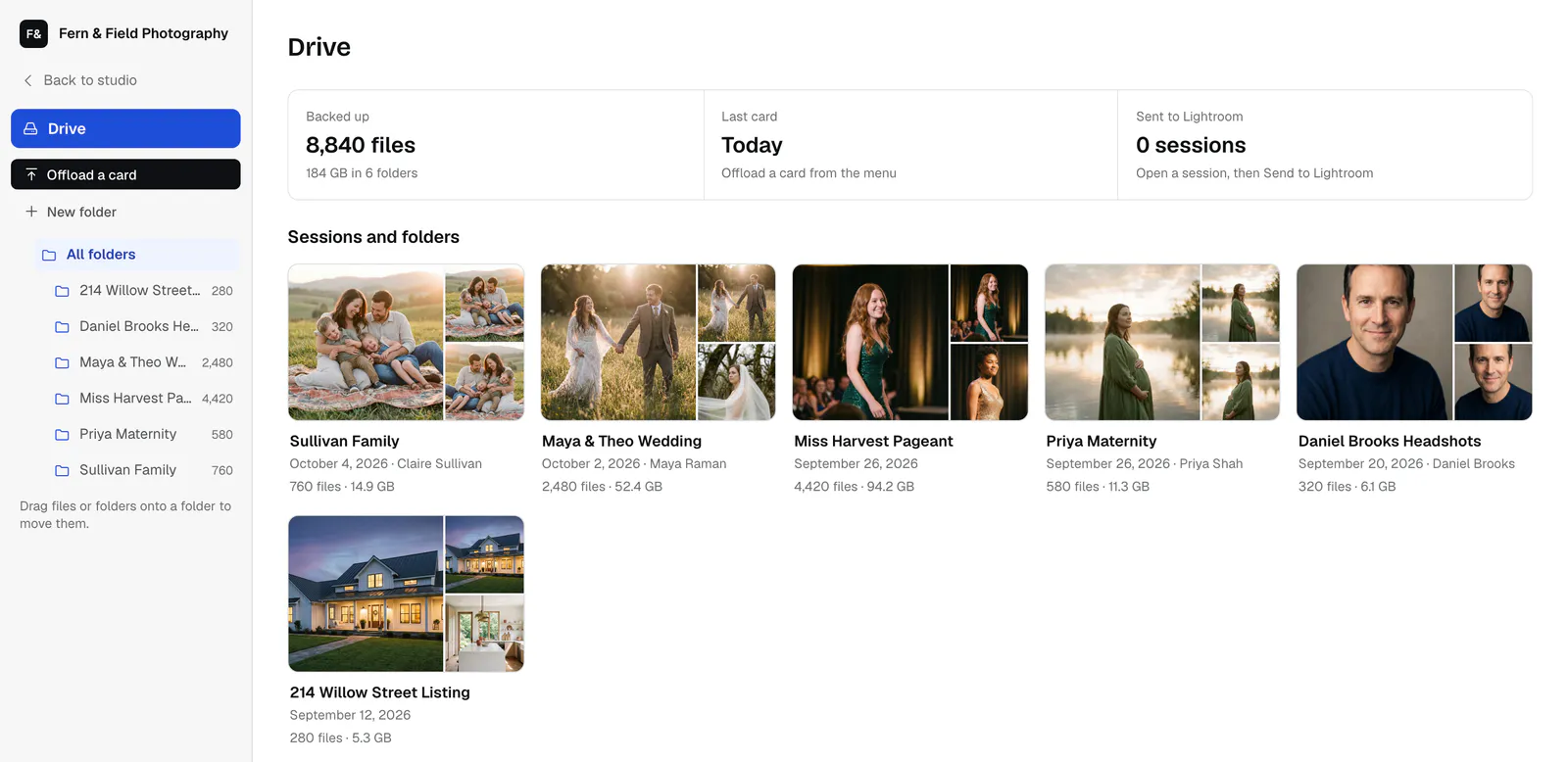
How it works
Drive photo backup in 4 steps.
Pick the card
Choose your memory card and name the session. Every RAW file and JPEG goes up.
Checked byte for byte
Nothing counts as backed up until its size is checked, and anything already backed up is skipped.
Format with confidence
Drive tells you when the card is safe to format.
Cull and edit
Cull full screen with one key, then send the session straight to Lightroom Classic.
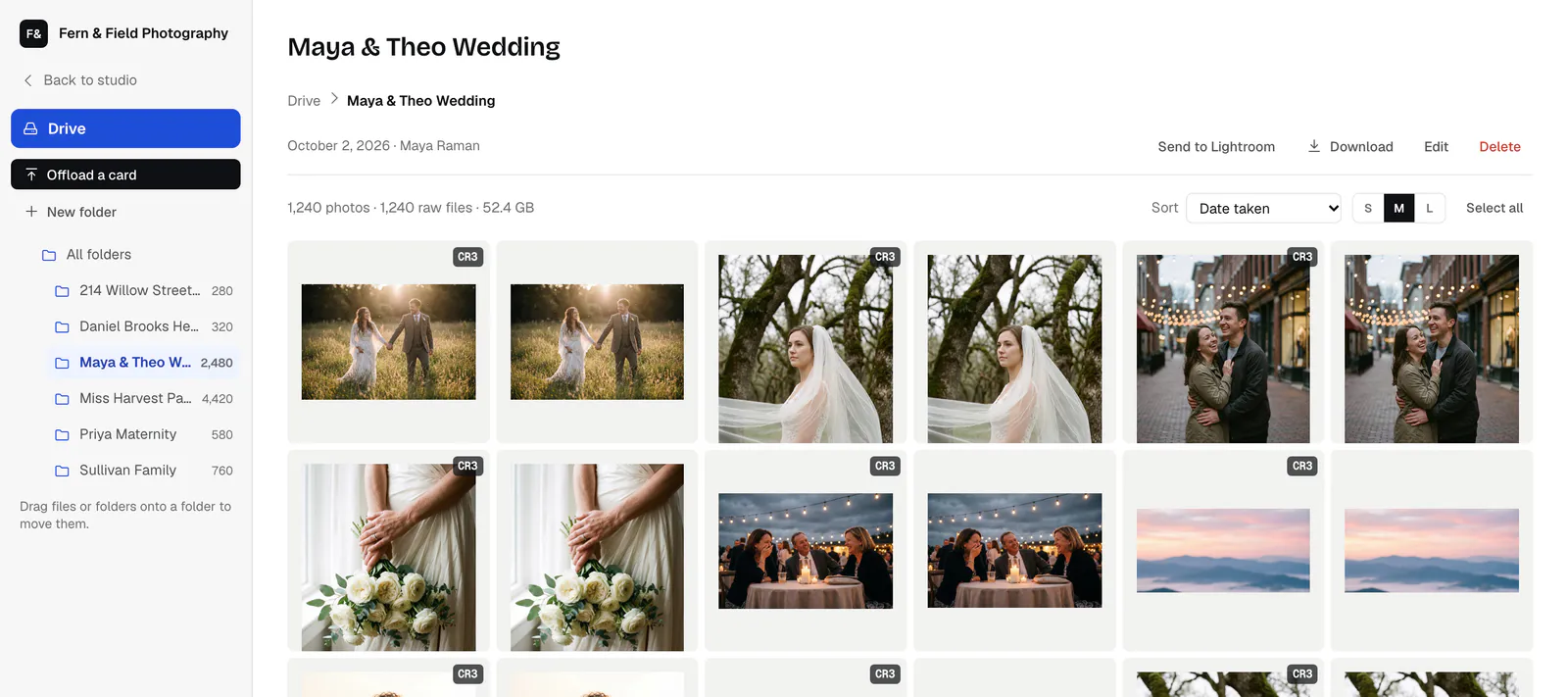
Inside a session
RAW and JPEG, exactly as they left the card.
Browse the previews, download one file or the whole session, or send it straight to Lightroom Classic.
What you get
A dead drive shouldn't cost you a session
Hard drives fail, bags get lost and coffee gets spilled. Drive keeps an offsite copy of every card the day you shoot it, separate from your gallery storage, so your work is safe before you ever start editing.
Every camera's RAW files and JPEGs, kept as they came off the card.
Drag photos between folders, select a batch with a box, or make a folder from what you picked.
Open any photo full screen and arrow through the session. A deleted photo can be put back for 24 hours.
Click a face and Drive finds that person across the session, then puts them in a folder you name.
Send a whole session to Lightroom Classic with the HeyShutter plug-in.
One photo, a selection or a whole session, back into a folder on your computer.
Questions
About drive photo backup.
Does Drive back up video?
No. Drive is made for photos and their edit files, so videos stay on the card.
Is Drive separate from my gallery storage?
Yes. Drive has its own storage, bought by the terabyte, and works on every plan, including the free one.
What happens if I cancel Drive?
Drive stays on until the end of the period you paid for. Then you have 30 days to download everything, and we email you before files are deleted.
Can I try it first?
Yes. The free trial lasts 14 days with room for 50 GB, and needs no card.
Also in HeyShutter
Everything in one login.
Lightroom publishing
Edit in Lightroom Classic like you always do, then publish your selects straight into the client's gallery. Change an...
Client galleries
Deliver every session in a private gallery under your studio's name. Clients favorite, download and buy from their...
Face sort for events
Upload the whole event unsorted. HeyShutter groups the frames by person and shooting order, so you spend the evening...
Try drive photo backup free.
Start free with 5 GB, or try any paid plan free for 14 days. Moving from another platform? Our team moves your galleries for you.