Features · Lightroom Classic
From Lightroom to your client's gallery in one click.
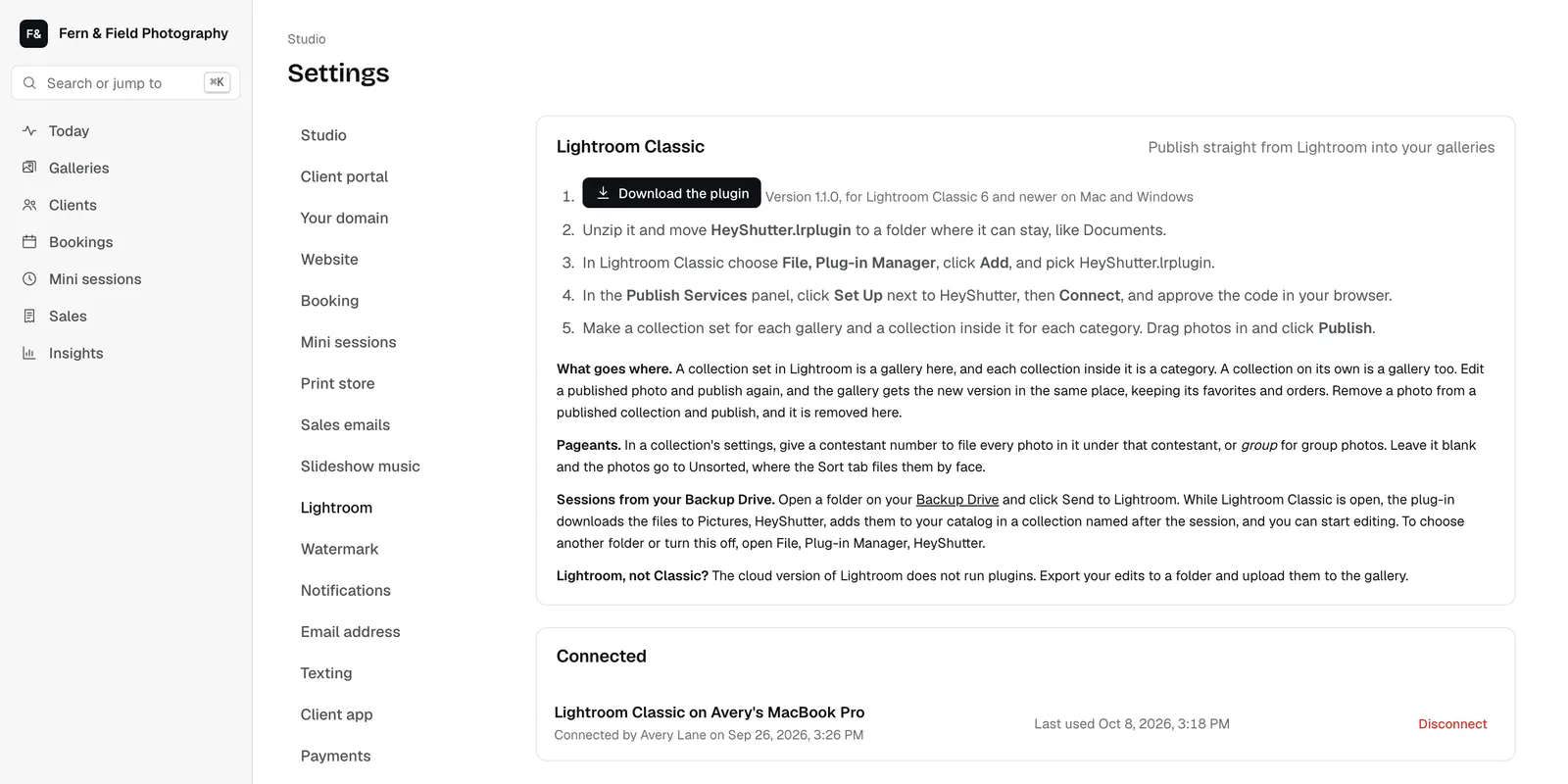
Edit in Lightroom Classic like you always do, then publish your selects straight into the client's gallery. Change an edit and publish again; the gallery updates.
35mm ($9 a month) and up, or any plan with Drive.
How it works
Lightroom publishing in 4 steps.
Connect
Install the HeyShutter plug-in and sign in once with a short code.
Pick a gallery
Each HeyShutter gallery shows up as a published collection in Lightroom Classic.
Publish
Drag your selects in and click Publish. Previews and watermarks are made for you.
Update
Re-edit a photo and publish again; your client sees the new version.
What you get
Fewer exports, fewer uploads
Most of a photographer's delivery day is exporting and uploading. With the plug-in, Lightroom Classic is where you finish, and the gallery simply follows.
Send finished edits straight into a client's gallery without exporting and uploading.
Change an edit and publish again, and the gallery shows the new version.
Back up a card to Drive, then send the whole session into Lightroom Classic.
Remove a photo from the collection in Lightroom and it leaves the gallery too.
Questions
About lightroom publishing.
Does it work with the cloud version of Lightroom?
The plug-in is for Lightroom Classic. The cloud version of Lightroom doesn't run plug-ins.
Which plans include it?
35mm at $9 a month and every plan above it, and any plan with Drive for sending sessions into Lightroom.
Also in HeyShutter
Everything in one login.
Drive photo backup
Offload a memory card straight to HeyShutter and format it knowing every file was checked. No more drives to buy, fill...
Client galleries
Deliver every session in a private gallery under your studio's name. Clients favorite, download and buy from their...
Print store
Clients order prints from their gallery and frame their own crops. You check every order, and the lab ships straight to...
Try lightroom publishing free.
Start free with 5 GB, or try any paid plan free for 14 days. Moving from another platform? Our team moves your galleries for you.