Before you start
- Your Pass galleries downloaded from Pass, while you still can, or a Dropbox or Google Drive link to them.
- A list of which client goes with which gallery, with their email addresses.
- STEP 1 OF 6
Open Moving from Pass
Go to heyshutter.com/switch/pass and click Book your free move.
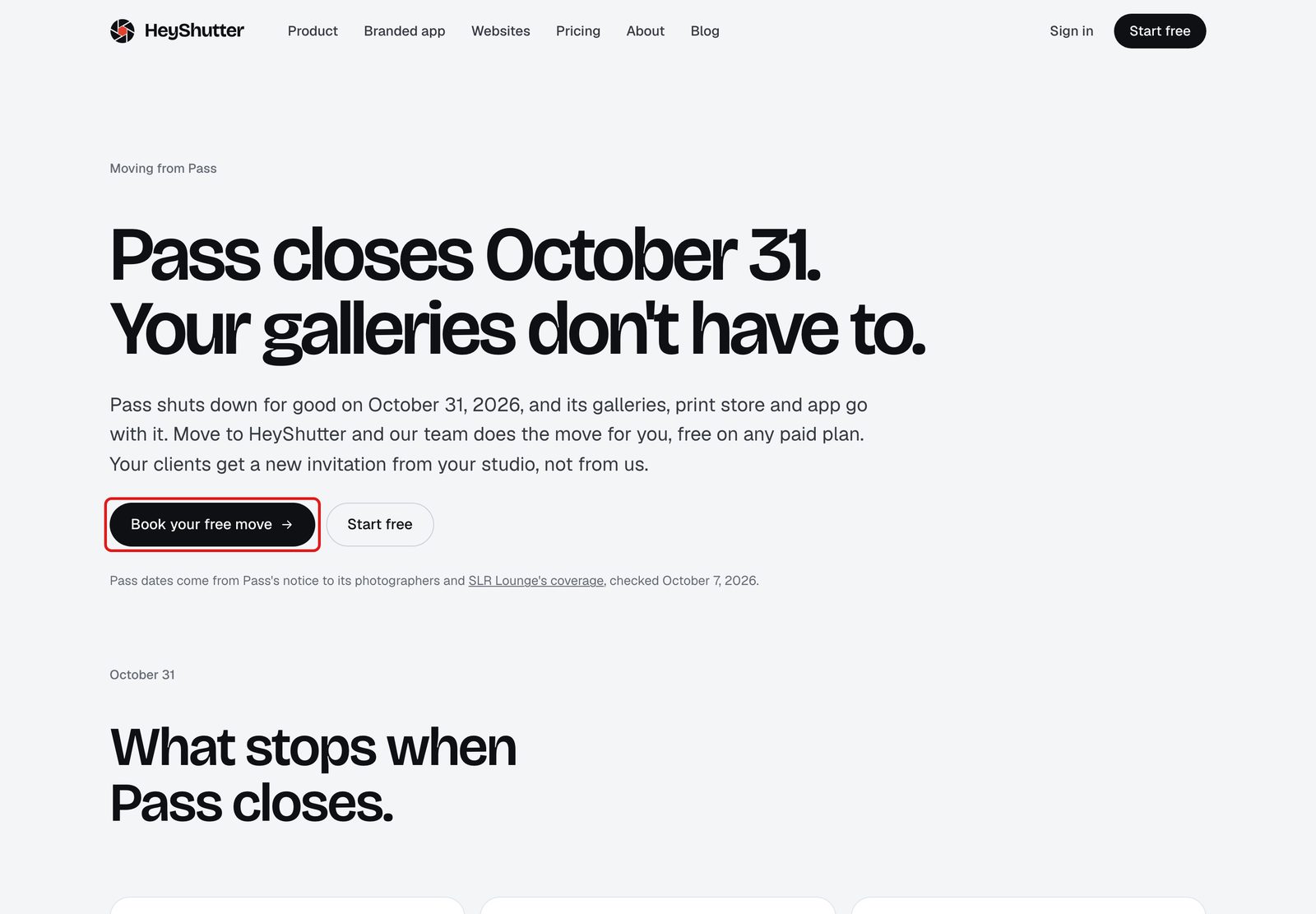
heyshutter.com, Moving from Pass. - STEP 2 OF 6
Tell us about your studio
Fill in your name, your studio name and your email. Moving from is already set to Pass. Under Anything we should know, say roughly how many galleries you have. Click Send to our team.
Tip. Send to our team opens your own email app with everything filled in, addressed to [email protected]. Press Send there. If no email app opens, write to [email protected] yourself.
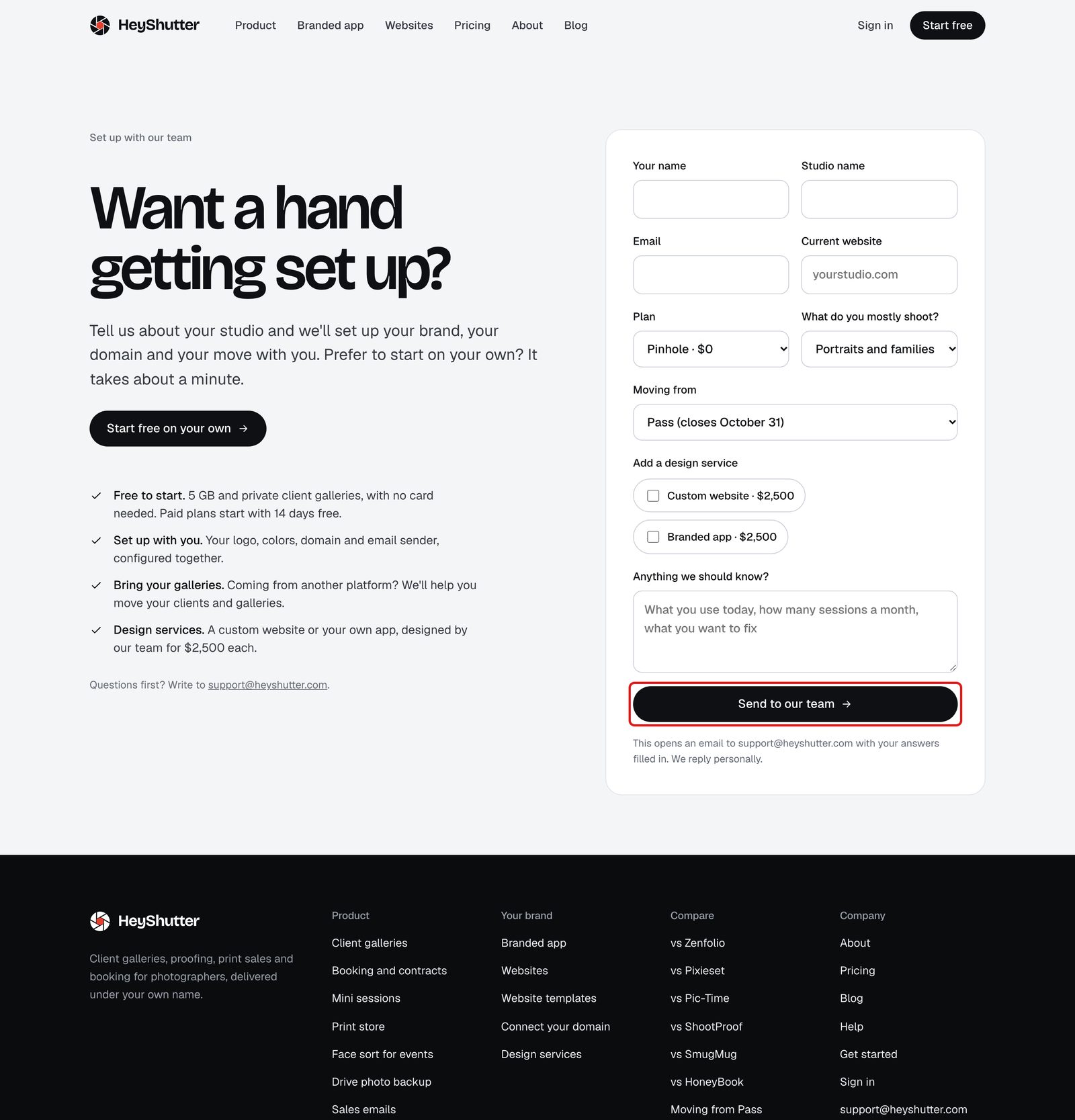
The form fills in an email to our team. - STEP 3 OF 6
Start your studio
Sign up at app.heyshutter.com/signup with your name, studio name, email, mobile number and a password. We text you a code to confirm your number. The free move comes with any paid plan, and paid plans start with 14 days free.
- STEP 4 OF 6
Send us your galleries
Reply to our email with a link to your downloaded Pass galleries, in Dropbox, Google Drive or any download link, and the list of which client goes with which gallery.
- STEP 5 OF 6
We build your studio
Our team makes each gallery, adds the photos and sets up your clients. We tell you when it is ready for you to check.
- STEP 6 OF 6
Your clients hear from you
When you are happy, share each gallery from HeyShutter. Clients get the invitation from your studio, not from us.
Rather move them yourself?
Questions
Is the move really free?
Yes, on any paid plan. Our team does it by hand.
Can HeyShutter copy my galleries straight out of Pass?
No. You download your galleries from Pass and share the files with us, and we take it from there.
Will my clients have to make an account?
No. By default clients open their gallery with their own link, with no sign-up.
What happens to my Pass galleries after October 31?
Pass shuts down for good, so download everything before then, even if you are not ready to move yet.
Stuck? Email [email protected] with a screenshot, or open Support from inside HeyShutter.